


Free
Perfect to start for sole proprietorships
0 PLN/ month gross
- Up to 100 orders / month
- Up to 500 products
- Prices, stock, descriptions and photos — every 30 min.
MULTICHANNEL E-COMMERCE OPERATIONS
Kiero OMS is a multichannel order, catalogue and inventory management system that connects sales, shipping, documents, messages and returns in one workflow.
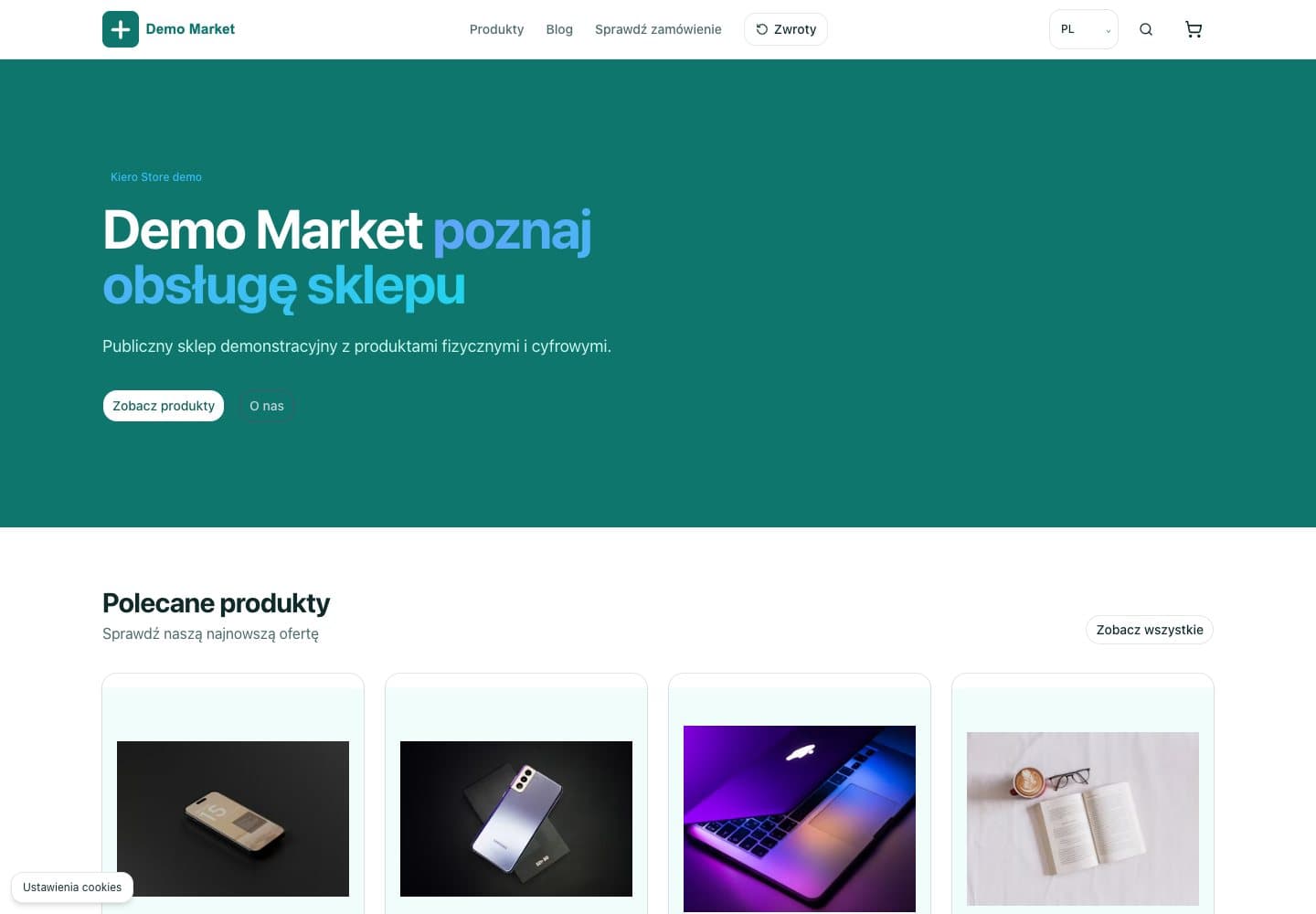
Your own Kiero Store, connected to Kiero OMS. Keep your catalogue, prices and stock together, with orders in the same panel.
No card. No commitment. 15 days of full access.
Your own store in Kiero
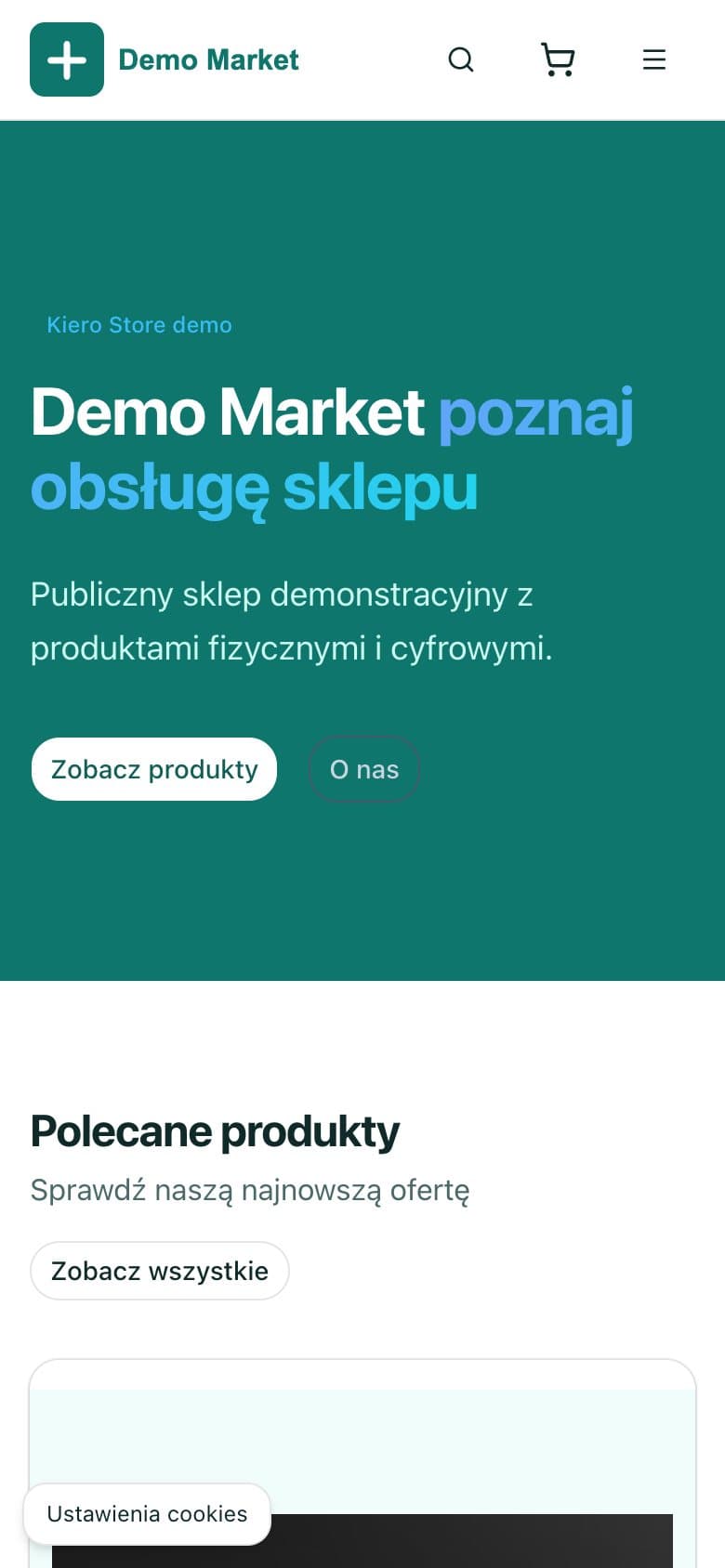
Publish selected products in Kiero Store and manage sales in the same system as your other channels.
See the product
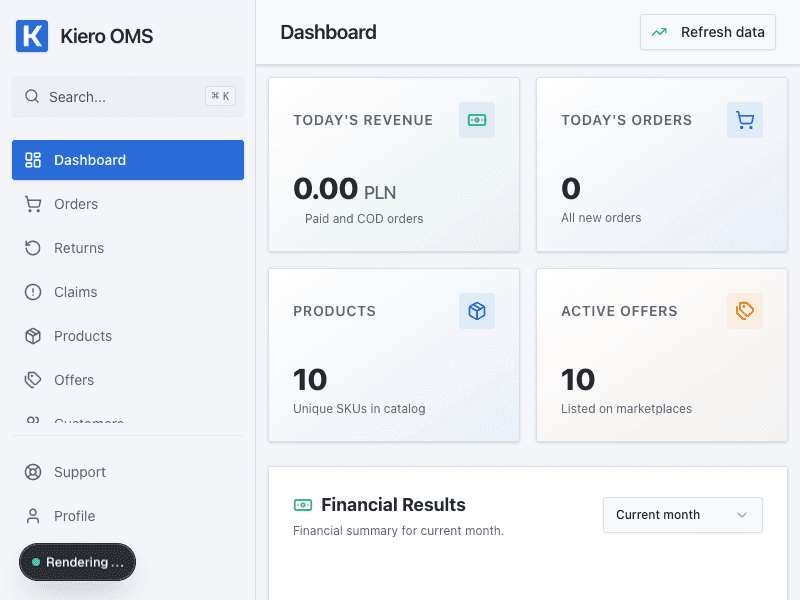
This is the real Kiero OMS dashboard — not a mockup. One order record connects the customer, products, payment, shipping, documents, messages and after-sales work.
One catalogue, shared stock and one workflow from order through shipping and documents to returns.
Bring orders from Allegro, WooCommerce, Etsy and Kiero Store into one view with statuses, payments, shipping, documents and history.
Learn more in our Wiki databaseHandle email, Allegro Message Center and complaint chats in one thread with attachments, order context and assigned employee.
Learn more in our Wiki databaseLaunch your own sales channel without a separate server or duplicated catalogue. Storefront hosting, catalogue, prices and stock stay connected to the same OMS workflow.
Learn more in our Wiki databaseControl deadlines, decisions, refunds, labels and stock returns in one RMA and complaint workflow linked to the order.
Learn more in our Wiki databaseA simple workflow
Add Allegro, your online store and the courier services you use.
Orders, products and communication arrive in one operational panel.
Print labels, update statuses and control returns without unnecessary steps.
Clear plans
A flat subscription without turnover commission. Plan limits are shown before registration.
Perfect to start for sole proprietorships
0 PLN/ month gross
For small and growing online shops
99 PLN/ month gross
For rapidly growing e-commerce businesses
299 PLN/ month gross
For large businesses and wholesalers without compromise
2999 PLN/ month gross
After Trial, the first paid period receives a tariff based on Trial usage forecast normalized to a full month. Later forecasts apply only to the next period.
Connect Kiero OMS with sales channels, messenger apps, and courier services


Integrations through official APIs
Kiero OMS uses official provider APIs. No scraping, no bypassing security controls, and no hidden use of data beyond the features selected by the seller.
 Allegro
Kiero OMS connects a seller's Allegro account through the official API to manage orders, listings, statuses, messages and post-purchase workflows.
Kiero OMS uses the official Allegro API and is not part of, endorsed or certified by Allegro.
Kiero OMS uses a flat subscription model. We do not charge turnover commission or a fee for each order. Every plan has clear order and catalogue limits — see the pricing page for details.
No. Kiero OMS supports multichannel selling. Orders from Allegro, WooCommerce, Etsy and Kiero Store enter one workflow with catalogue, stock, shipping, documents and after-sales service.
You can aggregate orders, manage products, variants, prices, stock and listings, prepare shipments and documents, handle returns, complaints and messages, analyse ratings, and manage customers, automations and your team.
Yes. Kiero Print Agent is a desktop app for Windows 10/11 and macOS, including Apple Silicon Macs. It automates document and label printing.
After registration, create an organization, configure a warehouse and connect a sales channel. Launch time depends on the provider's OAuth authorization, API keys, webhooks and configuration.
Yes. Kiero OMS lets you register returns, decide on refunds, replacements, repairs or rejection, restock returned items, answer complaints and communicate with buyers.
Yes. From an order card you can prepare a shipment, generate and print a label, track delivery, issue an invoice, receipt or correction, and send the document to the customer or marketplace.
Yes. Administrators can invite employees, assign permissions, create automation scenarios and message templates, and add custom buttons that run actions.
Kiero Store is your own online shop connected to Kiero OMS. It publishes selected products from your catalogue, and store orders arrive in the shared panel where you also manage shipping, returns and complaints.
The total number of operations completed by Kiero OMS users.
11,883
orders processed
245
complaints
1,995
documents generated
2,669
labels prepared


