
Kiero Store — an online shop connected to Kiero OMS
Explore the live demo store: demo.kiero-oms.pl — browse the example catalogue, cart and storefront.
Launch your own shop without building it from scratch. Kiero Store automates deployment and connects the shop to your Kiero OMS catalogue. Launch time depends on domain, payments, shipping, configuration and infrastructure availability.
What you get
- Your own online shop with its own address, brand and administration panel.
- Automatic deployment — the shop is prepared on Kiero infrastructure and progress is shown in integration settings.
- Hosting within the plan — you do not need a separate shop server. Domain, payment-provider fees and external services may be billed separately.
- A storefront with SEO and GEO foundations, prepared for search engines and customers in different markets.
- A direct OMS catalogue connection — products, prices, stock, images and product data come from one source.
- A complete sales journey: cart, payment, delivery, order, return and complaint.
Your catalogue in two steps
You do not need to create product listings manually or copy product cards between systems.
- Choose what to publish — select the warehouses, categories and tags that should be visible in the shop.
- Choose the data template — define the language and the fields used for the product name, short description and full description.
Kiero Store then imports the complete matching catalogue according to your template. The shop can receive names and descriptions, SKU, EAN, categories, tags, attributes, images, alternative text, variants, weight, availability, prices, stock levels, product ratings and selected seller feedback from Allegro.
The catalogue is refreshed automatically, and you can also start an update manually. Before payment, the shop checks the current price and availability in OMS, so customers do not buy against an outdated stock level.
Prices and multiple currencies
The shop can operate in PLN, EUR, USD, CZK or UAH. Set the channel currency and, if needed, a pricing rule for a markup or reduction. Different shops can use different currencies and publication rules. Products without a price in the selected currency are not published with an incorrect fallback amount.
From checkout to fulfilment
Kiero Store handles the customer-facing journey while Kiero OMS remains your operational centre:
| Stage | What happens |
|---|---|
| Checkout | The shop reads the current price and stock and reserves the item during payment. |
| Payment | Configure PayU or Stripe. A failed or expired payment releases the reservation. |
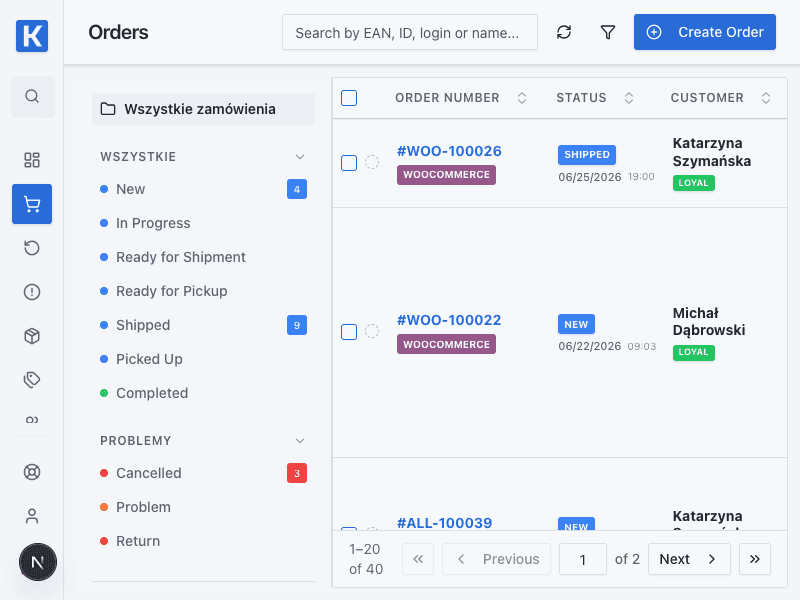
| Order | A paid order appears in OMS with customer, delivery and payment details. |
| Fulfilment | Pick and pack the order, create the shipment and print the label in Kiero OMS. |
| After-sales | Store returns and complaints are available in the corresponding OMS modules. |
Delivery options
Configure a courier, pickup point or local collection, InPost parcel locker selection, delivery zones and prices based on country or postcode, free delivery above a chosen order value, package quantity limits and dispatch time.
A shop you can grow
From the administration panel you can:
- set the logo, favicon, colours, fonts, buttons and storefront style;
- build the homepage with sections, banners, galleries, bestsellers and reviews;
- manage localised content, legal pages and a blog, including product links;
- configure SEO: metadata, canonical URLs, robots, sitemap and structured data;
- configure GEO, language versions and Google Tag/GTM after customer consent;
- run several independent shops in one organisation, each with its own catalogue, domain, currency, documents and review sources.
The simple division of responsibilities
Kiero OMS controls what you sell and how orders are fulfilled. Kiero Store presents the offer, attracts the customer and guides them through checkout. You do not duplicate your catalogue, stock records or fulfilment workflow.
Who is Kiero Store for?
For a business that wants its own sales channel without manually rewriting products, building integrations or maintaining separate storefront infrastructure. Prepare the catalogue in OMS, set the publication rules and start selling through your own shop.