
Plans and billing
The Billing panel shows your current plan, actual usage, the next-period forecast, invoice history, and billing mode settings.
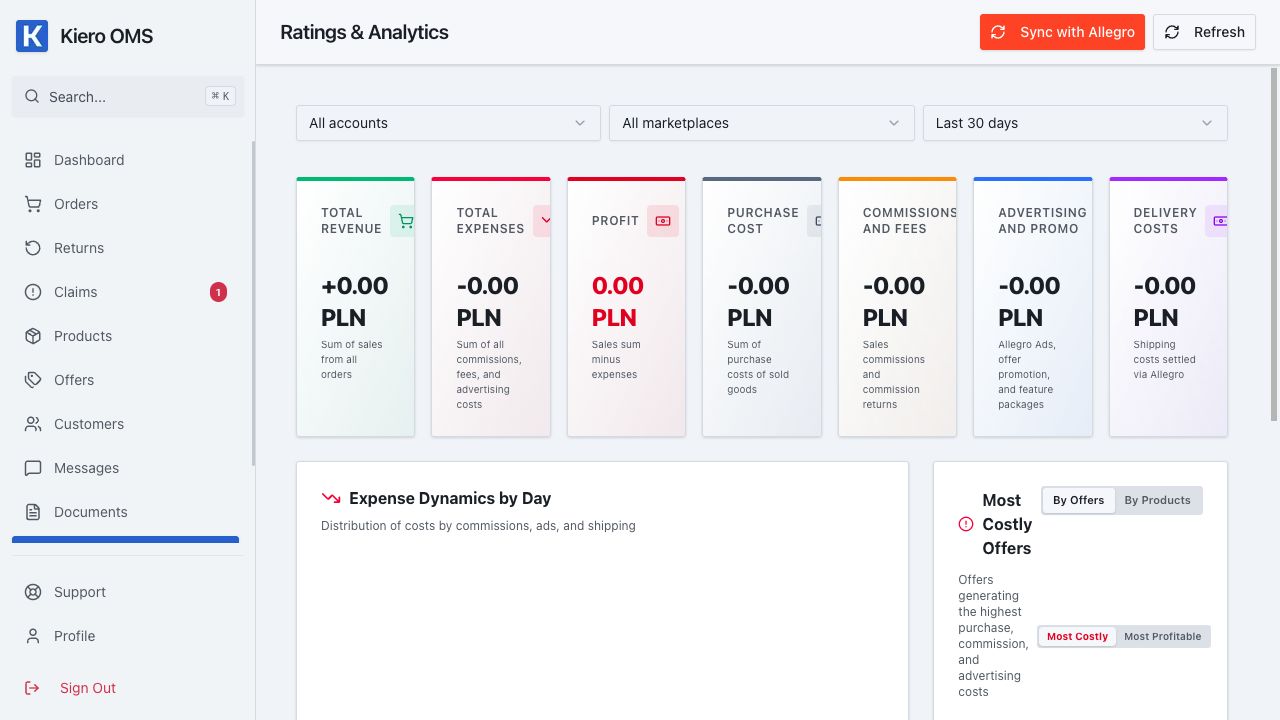
This is an operational context view. Open Settings → Billing for plan and billing details.
How billing works
The 15-day Trial is free. To continue using the service, the organization owner must complete billing details and accept postpaid billing. Paid subscription charges are created only after the month of use ends, according to the tariff actually used—never upfront for a future period. During the Trial, you can see the forecast for the tariff that will follow it.
Where to find the information
- Open Settings → Billing.
- Check the current plan, order usage, and next billing date.
- Read whether the next-period plan will stay the same, increase, or decrease.
- Confirm that your company billing details are complete.
Autopilot and fixed plan
- Autopilot selects the next-period plan automatically based on actual usage.
- Fixed plan lets you select a plan yourself and control the limit for the current period.
Changing the plan affects a future period, while each invoice covers only a period that has already ended.
The forecast looks wrong
Check the current period dates, the order count shown by the panel, and the selected billing mode. If the values still look incorrect, save the period, plan, and displayed usage before contacting support.