
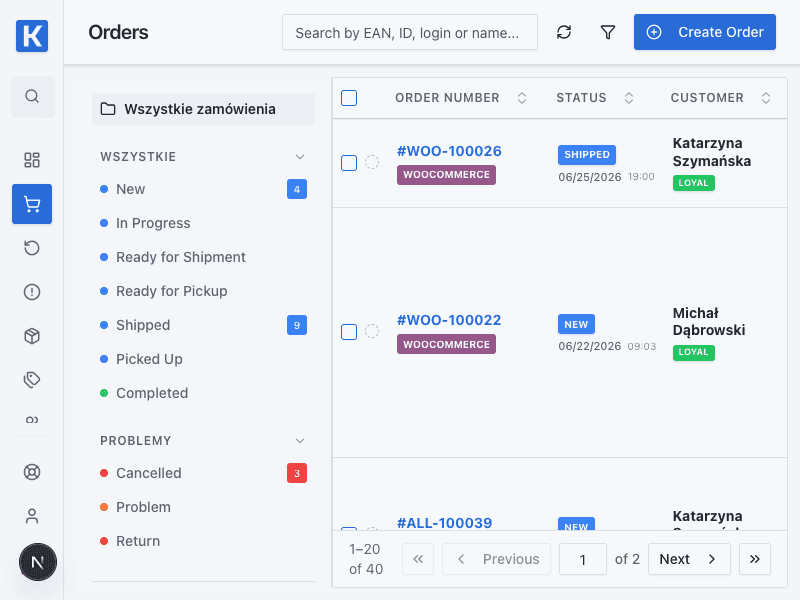
Financial documents in orders
The financial documents area shows invoices and delivery statuses. The demo view contains representative document numbers, dates, and whether a document was sent by email or to Allegro.
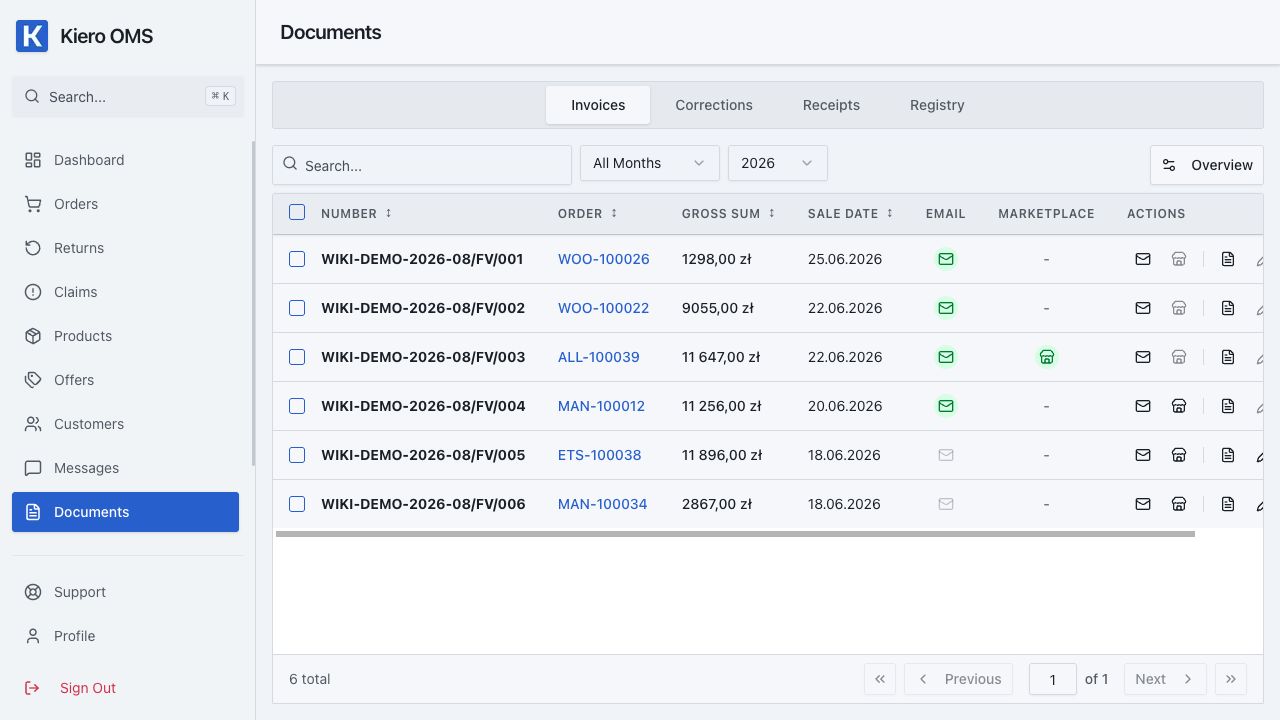
Using the view
Filter documents by status or channel, open an order for details, and verify the delivery result. The screenshot contains demo data and no personal information.
Complete document workflow
- Select the legal entity, document type and numbering series.
- Verify customer details, items, tax rates, currency and linked order.
- Issue the document in Kiero OMS or through a configured provider such as Fakturownia.
- Preview, download or print it and, when supported, send it by email or to Allegro.
- Create a correction when data changes instead of silently replacing an issued document.
The delivery status describes a specific operation. Review the provider error before retrying to avoid duplicates.